
FabDesk vs Onshape
Both run in the browser. FabDesk is free for commercial work, keeps your parts private, models from a description with FabAgent, runs simulation and prices the part for manufacturing.
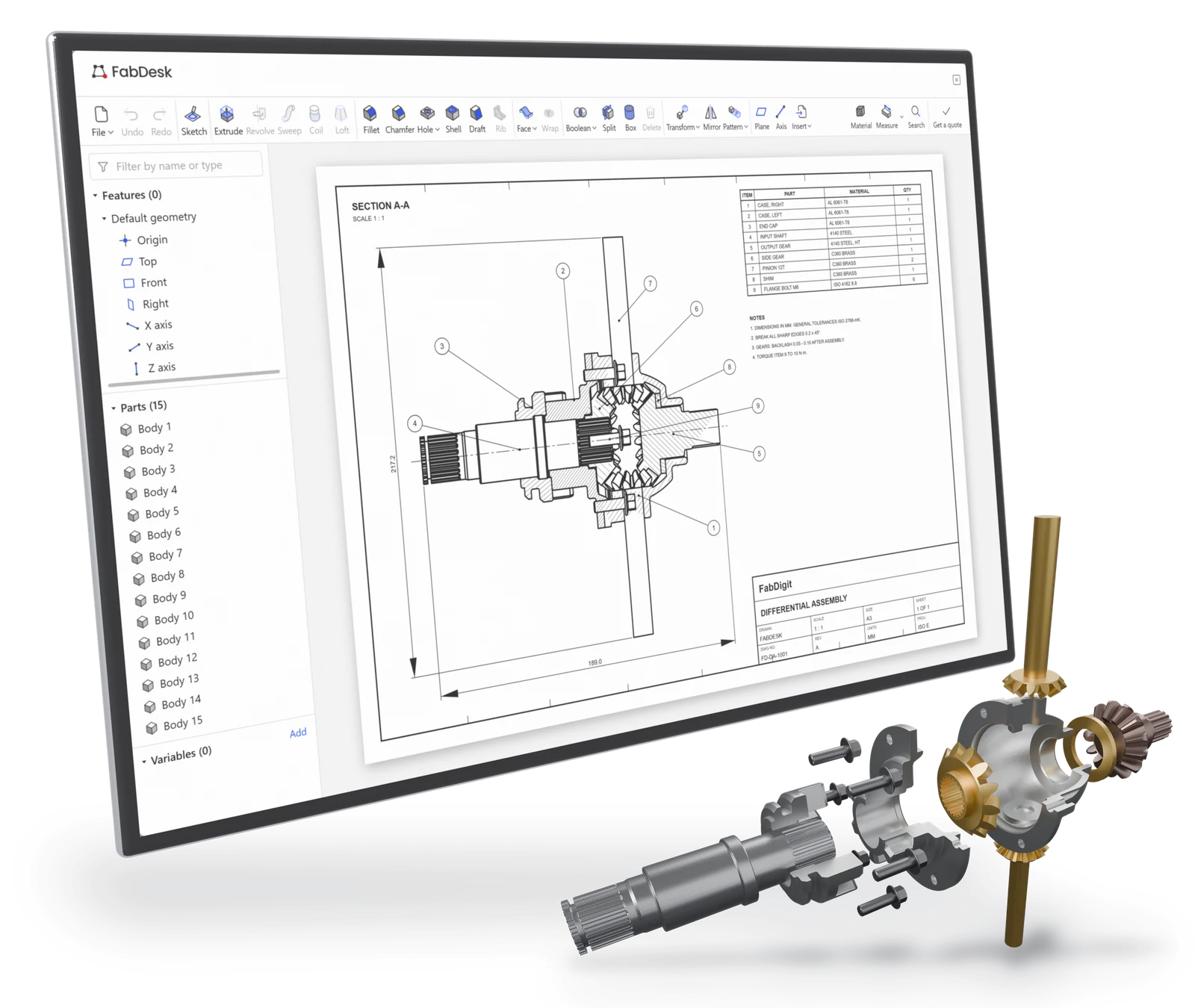
FabDesk vs Onshape Free
| FabDesk | Onshape Free | |
|---|---|---|
| Commercial use | Allowed | Not allowed; paid plans from $1,500 a user a year |
| Your parts | Private unless you share them | Public to every Onshape user |
| AI | FabAgent models and edits parts from a description | AI Advisor answers questions |
| Simulation | Static, frequency, buckling, thermal, dynamic and fatigue | Not on the Free plan |
| Manufacturing quote | Built in: price, design check and order | Through a third-party app |
Why people switch from Onshape Free
Your parts stay private
Everything made on Onshape Free is public. In FabDesk your parts are yours, and you choose who sees them.
Paid work is allowed
Use FabDesk for client work and products you sell, without a $1,500 seat.
Simulation included
Stress, vibration and heat studies on the part you just modeled, in the same window.
AI that models
Describe the part and FabAgent builds it as features you can edit.
Bring your Onshape parts
- 01
Export
In Onshape, export the part as STEP.
- 02
Open
Open the STEP in FabDesk. It arrives as a solid, ready to build on.
- 03
Keep going
Add holes, cuts and fillets, make the drawing, run a study, or get the part priced.
Feature check
FabDesk next to Onshape Free and other free and low-cost CAD.
| Program | Runs on | Cost | Free forpaid work | Privatefiles | Noinstall | Nosign‑up | AImodeling | Simulation(FEA) | NativeCAD files | 2Ddrawings | Featuretree | STEPexport | Quotebuilt in |
|---|---|---|---|---|---|---|---|---|---|---|---|---|---|
| FabDesk | Browser on Windows, macOS, Linux and ChromeOS | Free plan, commercial use allowed | Yes | Yes | Yes | Yes | Yes | Yes | Yes | Yes | Yes | Yes | Yes |
| Onshape Free | Browser, iOS and Android | Free for non-commercial work; every document is public | No | No | Yes | No | No | No | Yes | Yes | Yes | Yes | Add-in only |
| FreeCAD | Installed app for Windows, macOS and Linux | Free and open source | Yes | Yes | No | Yes | No | Yes | No | Yes | Yes | Yes | No |
| SOLIDWORKS for Makers | Installed app for Windows, or a browser-only xDesign plan | $48 a year for either plan, personal projects under $2,000 a year | No | Yes | Limited | No | No | No | Limited | Yes | Yes | Yes | Add-in only |
| Fusion for personal use | Installed app for Windows and macOS | Free for non-commercial use, revenue under $1,000 a year | No | Yes | No | No | Limited | Limited | Limited | Limited | Yes | Yes | Add-in only |
| Tinkercad | Browser and iPad | Free | Yes | Yes | Yes | No | No | No | No | No | No | No | No |
Free for paid work: the free plan allows commercial use. Private files: the free plan keeps your designs private (FreeCAD files stay on your computer). “Add-in only” means the program needs a third-party add-in. Onshape’s AI Advisor answers questions but does not model; Autodesk Assistant in Fusion is a technology preview that edits existing models. Quote built in: Quote this part prices the open model in the material and quantity you pick and checks it for features that are hard or costly to make. Onshape is a trademark of PTC Inc.; FabDigit is not affiliated with PTC.
FAQ
Is there a free Onshape alternative for commercial work?
Yes. FabDesk is free browser CAD that allows commercial use, with private parts, drawings, STEP export, simulation and AI modeling.
Is Onshape free?
Onshape Free costs nothing for non-commercial work, and every document on it is public. Commercial work needs a paid plan, from $1,500 a user a year.
Are my FabDesk parts private?
Yes. Your parts are kept in your CAD Cloud, and only the people you invite can open them.
Can I open my Onshape parts in FabDesk?
Yes. Export the part from Onshape as STEP and open it in FabDesk, then keep building on it.
Does FabDesk have simulation?
Yes, free: static, frequency, buckling, thermal, linear dynamic, fatigue and pressure vessel studies.
Does FabDesk have AI?
Yes. FabAgent builds and edits parts from a description, as features in the tree, and lays out drawings. Onshape’s AI Advisor answers questions about Onshape.
Can I get my part made?
Yes. Quote this part sends the model to FabDigit in the material and quantity you choose; eligible parts are priced instantly.
Try FabDesk in your browser
Free parametric CAD for commercial work, with nothing to install.