
SOLIDWORKS on a Mac
SOLIDWORKS desktop runs only on 64-bit Windows; there is no macOS version. Here is what works on a Mac, what each option costs, and what SOLIDWORKS itself supports.
Does SOLIDWORKS run on a Mac?
Not natively. SOLIDWORKS desktop needs 64-bit Windows 10 or 11 (not the Home editions). On a Mac, SOLIDWORKS lists Parallels Desktop as a supported way to run it and does not support Boot Camp.
Two Dassault products do run on macOS without Windows: SOLIDWORKS xDesign in the browser, and eDrawings for Mac, which views files but does not model.
Your options on a Mac
| Option | What you get | What it costs | Supported by SOLIDWORKS |
|---|---|---|---|
| Parallels Desktop with Windows | Full SOLIDWORKS desktop inside a Windows virtual machine | SOLIDWORKS licence, plus Windows and Parallels licences, disk space and memory | Yes, listed as a supported virtualization platform; check the requirements for your Mac |
| Boot Camp | Windows started natively on an Intel Mac | Windows licence; Intel Macs only | No |
| SOLIDWORKS xDesign | Browser-based SOLIDWORKS modeling | $2,400 a year commercial; Makers and student versions sold separately | Yes |
| eDrawings for Mac | View and measure SOLIDWORKS files | Free | Yes, viewer only |
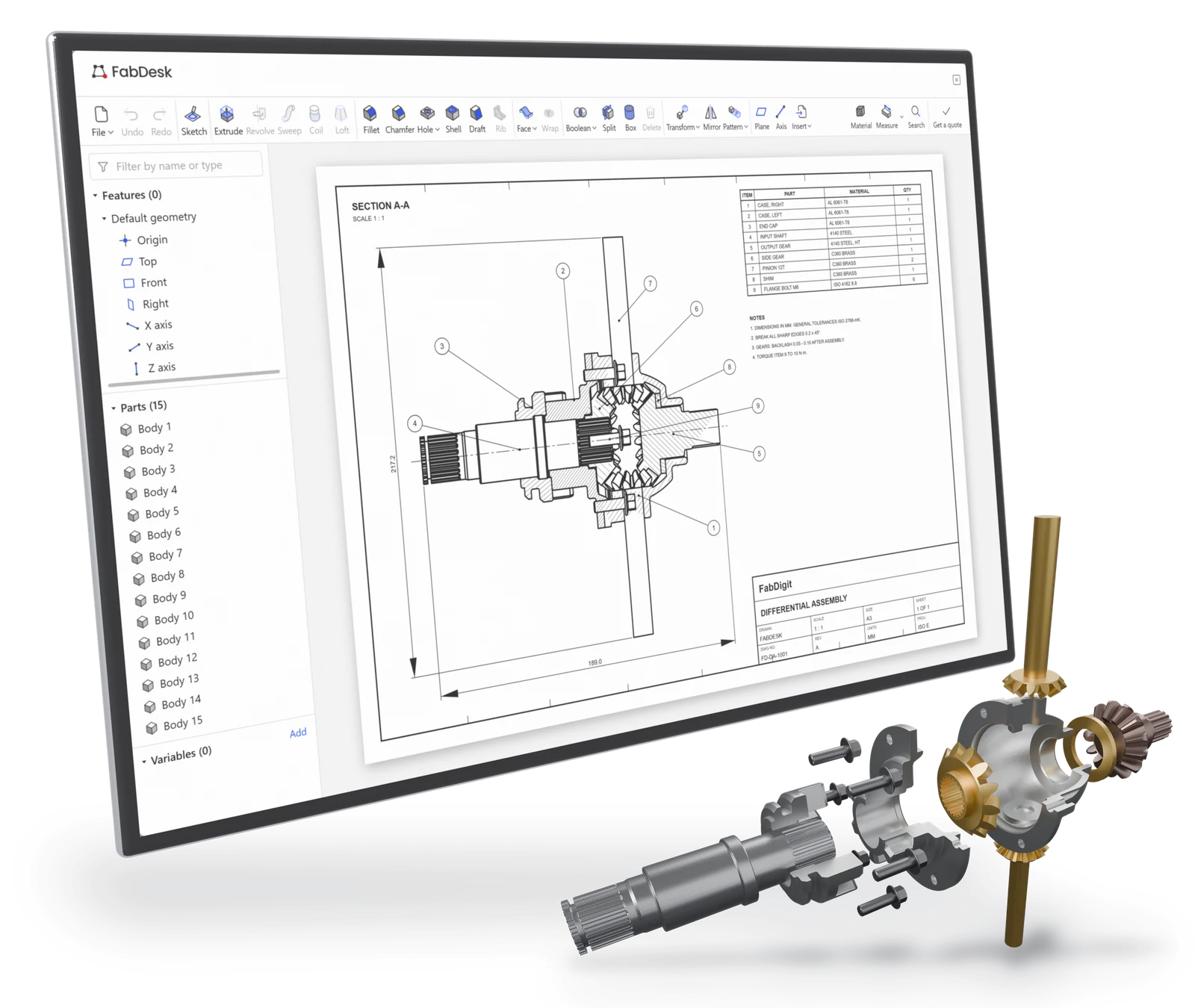
| FabDesk | Parametric parts, assemblies and drawings in Chrome or Edge | Free plan | Not a SOLIDWORKS product; opens STEP from SOLIDWORKS |
Prices are US list prices for one user, read on each vendor’s own pages on 18 November 2026; plans change, so check the current terms before you buy. Names identify the products compared and belong to their owners.
Running SOLIDWORKS in Parallels
- 01
Check the requirements
Read the SOLIDWORKS system requirements for your release and your Mac’s processor before buying anything.
- 02
Install Windows in Parallels
Give the virtual machine enough memory and disk; SOLIDWORKS is a large program and its files grow quickly.
- 03
Install SOLIDWORKS
Install it inside Windows as on any PC, with your licence or a Makers or student plan.
Or skip Windows: CAD in the browser
If what you need is to model a part, make its drawing and send a STEP file, a browser CAD program avoids the Windows and Parallels licences. FabDesk opens STEP and IGES files saved from SOLIDWORKS.
Free and low-cost CAD on a Mac
| Program | Runs on | Cost | Free forpaid work | Privatefiles | Noinstall | Nosign‑up | AImodeling | Simulation(FEA) | NativeCAD files | 2Ddrawings | Featuretree | STEPexport | Quotebuilt in |
|---|---|---|---|---|---|---|---|---|---|---|---|---|---|
| FabDesk | Browser on Windows, macOS, Linux and ChromeOS | Free plan, commercial use allowed | Yes | Yes | Yes | Yes | Yes | Yes | Yes | Yes | Yes | Yes | Yes |
| SOLIDWORKS for Makers | Installed app for Windows, or a browser-only xDesign plan | $48 a year for either plan, personal projects under $2,000 a year | No | Yes | Limited | No | No | No | Limited | Yes | Yes | Yes | Add-in only |
| FreeCAD | Installed app for Windows, macOS and Linux | Free and open source | Yes | Yes | No | Yes | No | Yes | No | Yes | Yes | Yes | No |
| Fusion for personal use | Installed app for Windows and macOS | Free for non-commercial use, revenue under $1,000 a year | No | Yes | No | No | Limited | Limited | Limited | Limited | Yes | Yes | Add-in only |
| Onshape Free | Browser, iOS and Android | Free for non-commercial work; every document is public | No | No | Yes | No | No | No | Yes | Yes | Yes | Yes | Add-in only |
| Tinkercad | Browser and iPad | Free | Yes | Yes | Yes | No | No | No | No | No | No | No | No |
Free for paid work: the free plan allows commercial use. Private files: the free plan keeps your designs private (FreeCAD files stay on your computer). “Add-in only” means the program needs a third-party add-in. Onshape’s AI Advisor answers questions but does not model; Autodesk Assistant in Fusion is a technology preview that edits existing models. Quote built in: Quote this part prices the open model in the material and quantity you pick and checks it for features that are hard or costly to make.
FAQ
Is there a SOLIDWORKS version for Mac?
No. SOLIDWORKS desktop runs only on 64-bit Windows 10 and 11. On a Mac it runs inside Parallels Desktop, which SOLIDWORKS lists as supported.
Can I run SOLIDWORKS on an M1, M2, M3 or M4 Mac?
Only inside a Windows virtual machine such as Parallels Desktop. Check the SOLIDWORKS system requirements for your release before you buy, since support depends on the release and setup.
Does SOLIDWORKS support Boot Camp?
No. SOLIDWORKS does not support Boot Camp; Parallels Desktop is the supported route on a Mac.
What is SOLIDWORKS xDesign?
A SOLIDWORKS modeling product that runs in a web browser, so it works on a Mac. It costs $2,400 a year for commercial use; SOLIDWORKS for Makers includes an xDesign package, and xDesign for Students is $60 a year.
Can I open SOLIDWORKS files on a Mac?
Yes. eDrawings for Mac views and measures them for free, and FabDesk opens .sldprt and .sldasm files in Chrome or Edge on a Mac, so you can add features and export STEP.
How much does SOLIDWORKS cost on a Mac?
The same as on Windows: Standard is $2,820 a year, plus Windows and Parallels licences to run it. SOLIDWORKS for Makers lists at $48 a year for personal projects.
What is the best free alternative to SOLIDWORKS on a Mac?
FabDesk runs free in Chrome or Edge and allows commercial use. FreeCAD is free and installs on macOS; Onshape Free and Fusion for personal use are non-commercial.
Does FabDesk open SOLIDWORKS files?
Yes. FabDesk opens .sldprt parts without SOLIDWORKS, to view, measure, build on and export as STEP. Assemblies (.sldasm) open with their part files.
Do students get SOLIDWORKS on a Mac?
Design Standard for Students is free but Windows only; xDesign for Students runs in a browser and is $60 a year.
Sources
- SOLIDWORKS, design plans and pricing
- SOLIDWORKS, system requirements
- SOLIDWORKS, SOLIDWORKS for Makers
- SOLIDWORKS, products for students
- Dassault Systèmes store, SOLIDWORKS xDesign
SOLIDWORKS is a trademark of Dassault Systèmes. FabDigit is not affiliated with Dassault Systèmes.
Model parts on your Mac in the browser
Free in Chrome or Edge, without Windows or Parallels.